Explainer
UX vs UI vs product design, and what makes a great UX/UI designer
Three titles, a lot of overlap. A plain-language guide to what each role does, how they fit together, and the traits that set the best UX/UI designers apart.
Job ads use these titles interchangeably, and that confuses everyone: hiring managers, clients and designers early in their careers. The differences are real, but they're about focus, not rigid boundaries. Here's how I'd explain them, with examples from projects I've worked on.
What is UX design?
UX (user experience) design is about how a product works for the person using it. It covers research, information architecture, user flows, wireframes, usability testing and accessibility. A UX designer asks: what is this person trying to do, and what's getting in their way?
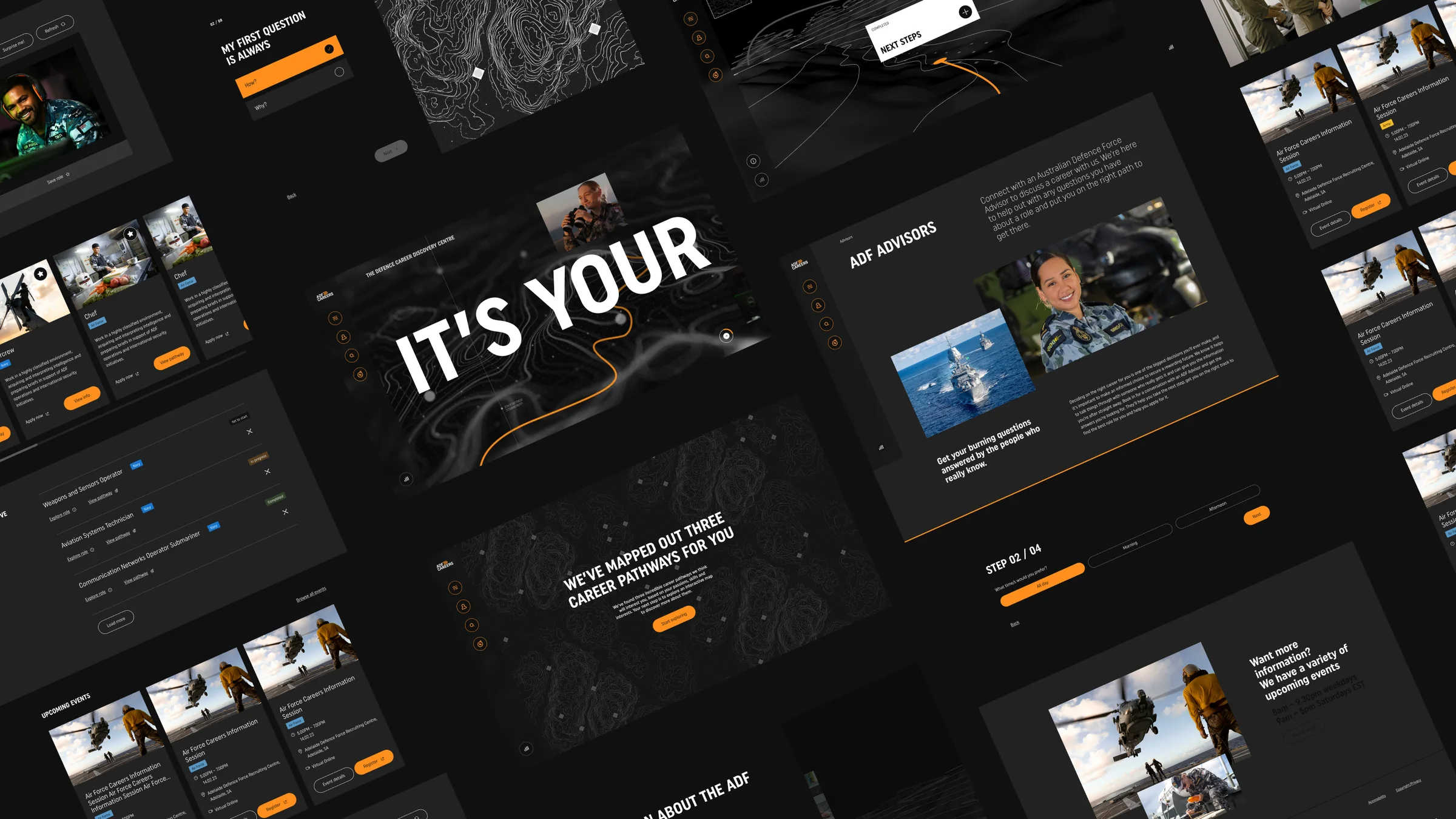
On the ADF Career Discovery Hub, the UX work included mapping the whole prospect journey, designing a passwordless sign-up to reduce friction, and structuring career content around five milestones so each pathway told a story.
What is UI design?
UI (user interface) design is how a product looks and responds. It covers layout, typography, colour, iconography, components, interaction states and motion. A UI designer asks: is this clear, is it consistent, and does it feel good to use?
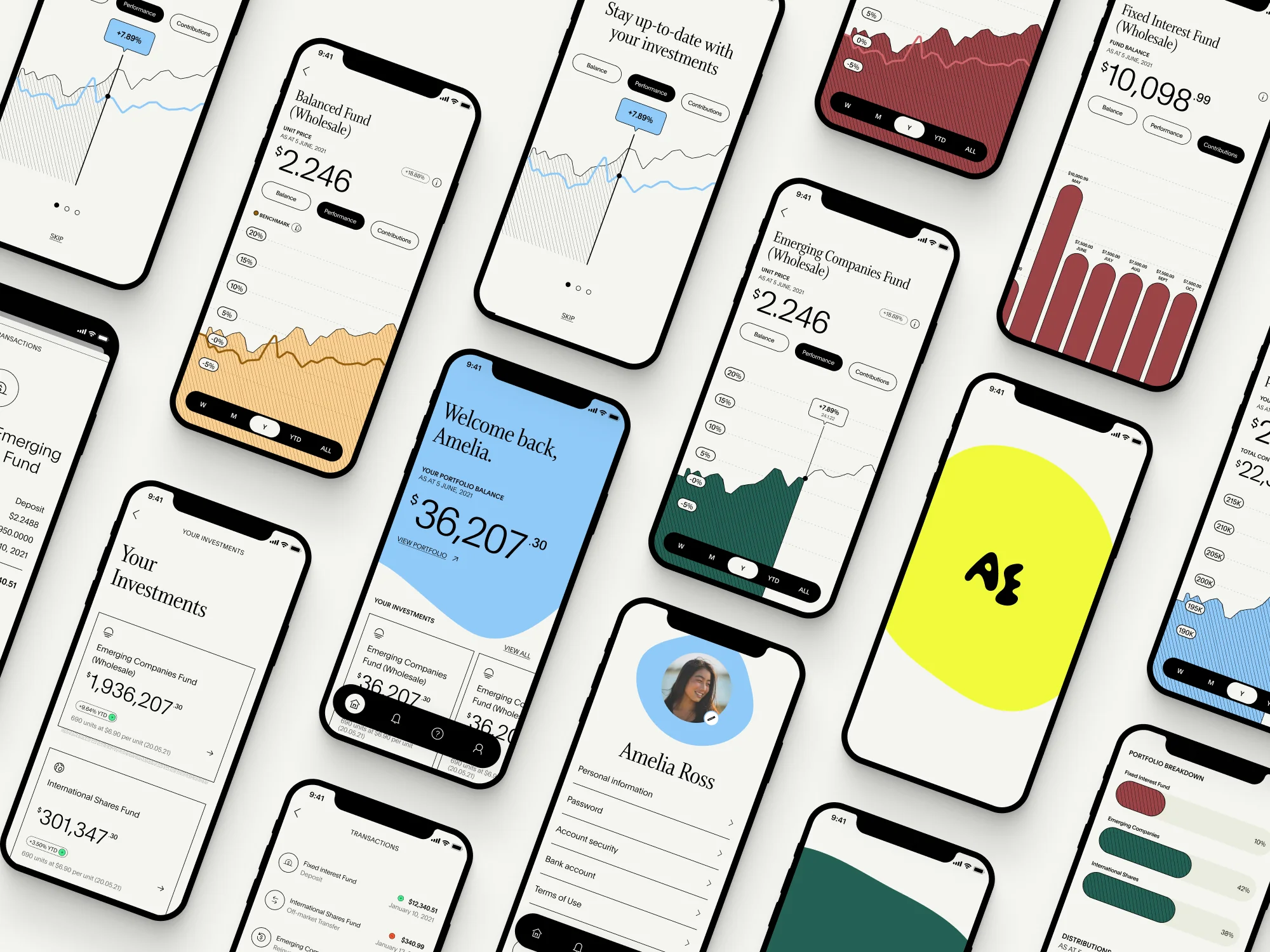
Good UI isn't decoration. On Mox Bank, the visual identity drew on the Hong Kong dollar coin, and motion was used to make complex financial information feel approachable. Those were interface decisions with a job to do.
What is product design?
Product design includes UX and UI, and adds the product and business side: deciding what to build, shaping an MVP, working in sprints with engineers and measuring whether it worked. A product designer asks: is this the right thing to build, and how will we know?
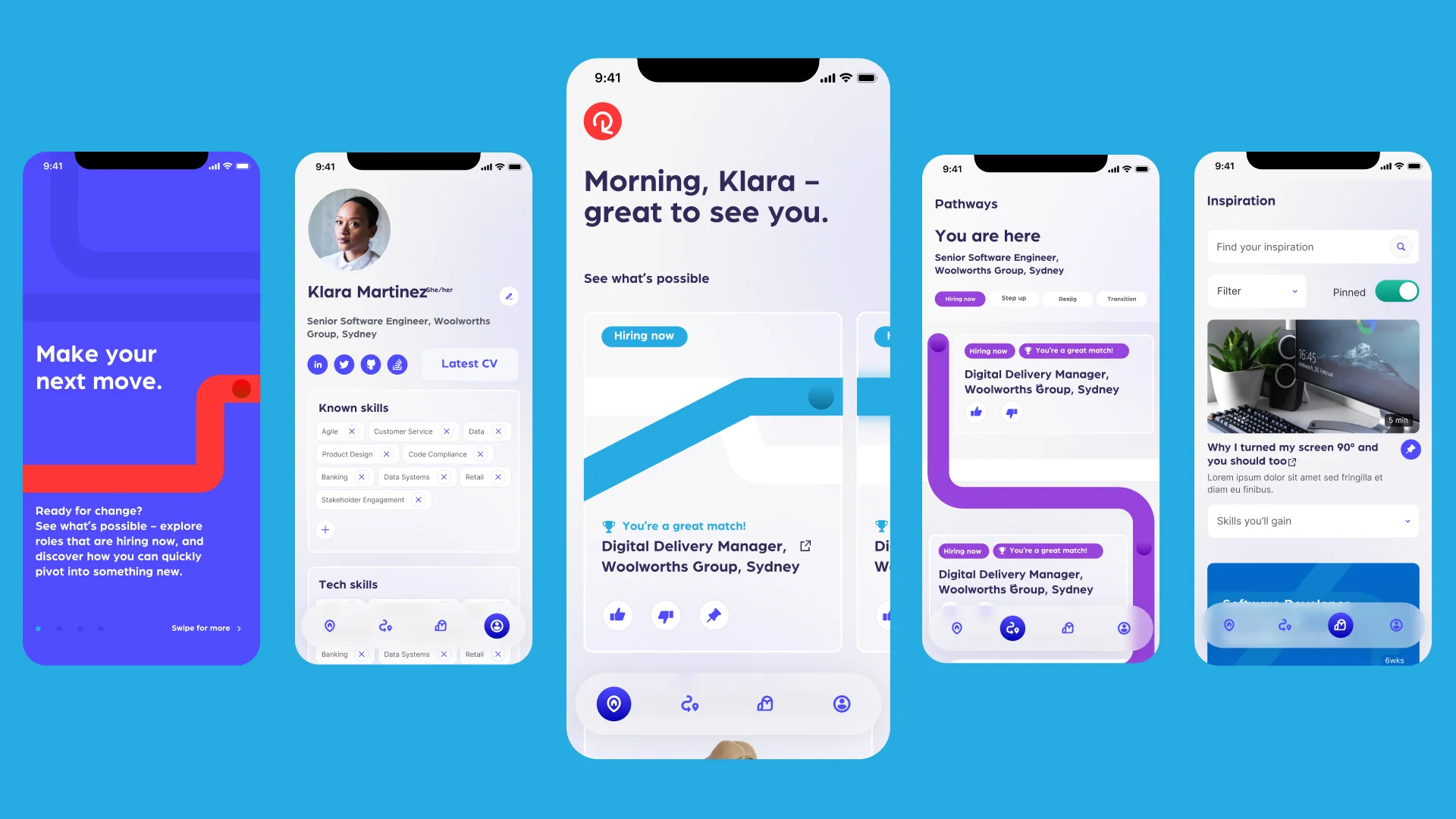
On Reejig, that meant designing two AI products for two audiences, a desktop HR platform for workforce planners and a mobile career app for employees, on one shared design system.
UX vs UI vs product design, side by side
| UX design | UI design | Product design | |
|---|---|---|---|
| Focus | How it works | How it looks and responds | What to build and why, end to end |
| Typical outputs | Research, flows, wireframes, test findings | Visual design, components, prototypes, motion | All of these, plus MVP scope, roadmaps and success measures |
| Key question | Can people do what they came to do? | Is it clear, consistent and enjoyable? | Is it the right product, and is it working? |
| Measured by | Task success, drop-off, usability | Consistency, accessibility, polish | Adoption, retention, business results |
Where design systems and motion fit
Design systems sit across all three. They're a shared library of components, patterns and rules that let teams build consistent products quickly. The Australian Ethical system had more than 100 components across 13 modules, with a colour palette meeting AA and AAA contrast standards.
Motion is often treated as polish, but it does real work. The motion guidelines I wrote for Telstra and Australian Ethical used three principles: every animation should delight, educate or focus the user. If it does none of those, it goes.
What makes a great UX/UI designer
- They test with real people, in context. Mox Bank prototypes were tested in Cantonese with local participants, because Hong Kongers had never used a bank that existed only on a phone.
- They design for everyone. Accessibility is a starting constraint, not a final check. Personas for Australian Ethical spanned ages 18 to 78.
- They sweat the details. Type, spacing, states and transitions are where trust is won or lost.
- They build for scale. Components, tokens and documentation make the second release faster than the first.
- They speak engineering. Prototypes, Storybook and shared libraries close the gap between design and code. Reejig's design system was built with atomic design in Chromatic Storybook.
- They use AI well. They let it speed up the busywork and keep their own judgement on the decisions that matter.
AI makes good designers faster. It doesn't make fast designers good.From My AI Approach
How AI is changing these roles
AI tools are blurring the lines further. Designers can now prototype working ideas from a prompt, summarise research in minutes and explore far more directions than before. That makes judgement more valuable, not less: knowing which direction to push, what to cut and what users actually need. I've written about the tools I use and what I believe on a separate page.
Which should you hire?
If your product exists and people struggle to use it, start with UX. If it works but looks dated or inconsistent, a UI designer or a design system will make the biggest difference. If you're building something new, or need someone to own the experience end to end, hire a product designer who can do both. For practical advice, read how to hire a product designer in Sydney.
Frequently asked questions
Is UX/UI design the same as product design?
They overlap heavily. UX/UI design focuses on how a product works and looks. Product design includes both and adds the business side: deciding what to build, prioritising and measuring results.
Do UX/UI designers need to code?
Not necessarily, but understanding how things get built makes you far more effective. Many designers work with engineers in tools like Storybook, and AI tools now make it easier to build working prototypes.
What skills does a UX/UI designer need?
Research and testing, information architecture, interaction design, visual and typographic craft, accessibility, prototyping, design systems and clear communication. Motion design and comfort with AI tools are increasingly valuable too.
What is a design system?
A shared library of reusable components, patterns, tokens and guidelines that keeps a product consistent and lets teams build faster. A good one includes accessibility rules and motion principles, not just a component kit.
Is UI design just making things look nice?
No. Good UI makes information clear, actions obvious and feedback immediate. Colour, type and motion all have jobs to do, from meeting contrast standards to guiding attention.